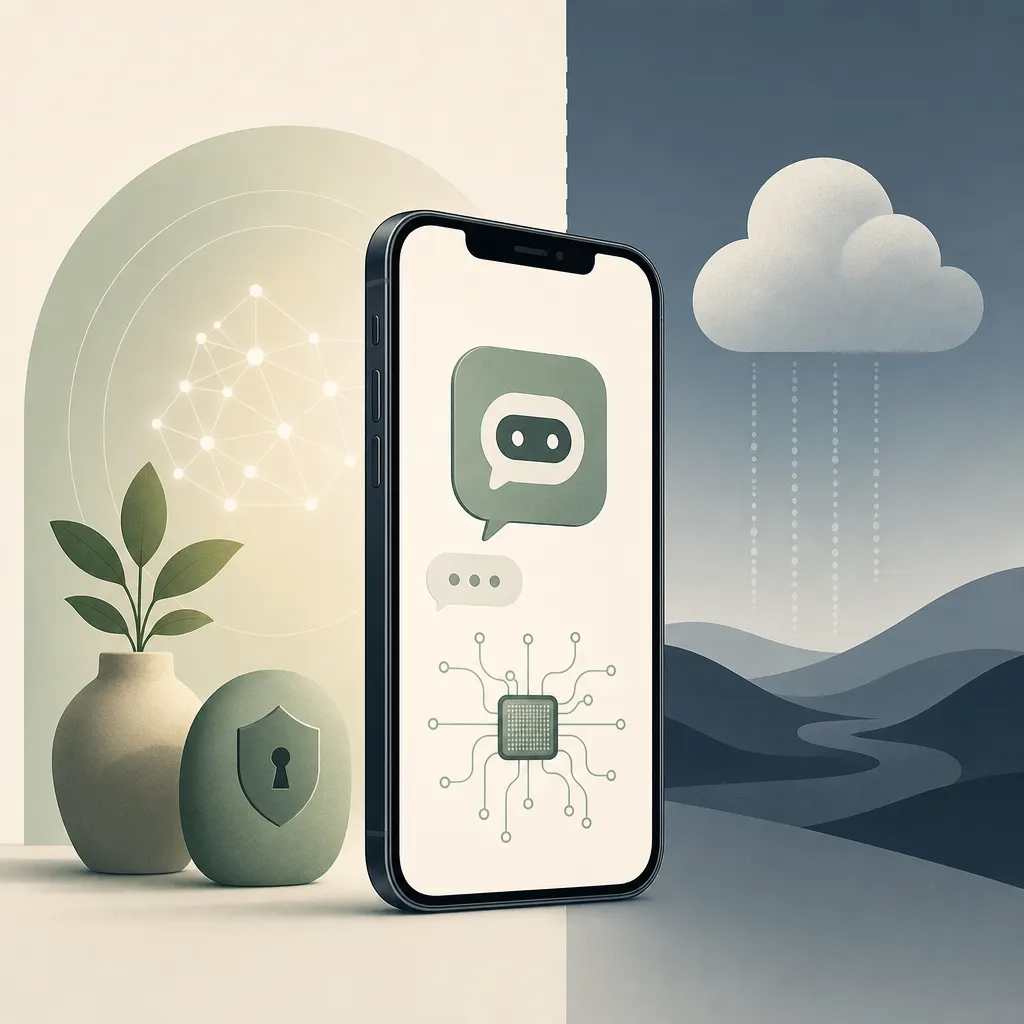
Your iPhone can run a full AI chatbot without sending a single prompt to the cloud.
Running local AI models on iOS has become a practical option for everyday users. The basic premise: download a model's weights directly to the device and inference happens entirely on the hardware itself. Offline performance and privacy are the headline benefits — the two things cloud AI consistently trades away in exchange for raw capability.
Most AI chatbots route every query through a company's servers, where conversations may be logged and, depending on the service's terms, used to train future models. A local model severs that pipeline completely. For anyone with genuine privacy concerns — lawyers, journalists, or anyone who'd rather not feed their daily conversations to a lab's training queue — on-device is the only option that actually delivers on the promise.
The tradeoff is real: local models are smaller and generally less capable than their cloud counterparts, and model files eat into storage. But for routine tasks the gap is narrowing, and for a meaningful slice of users, staying off the server is worth the capability hit.