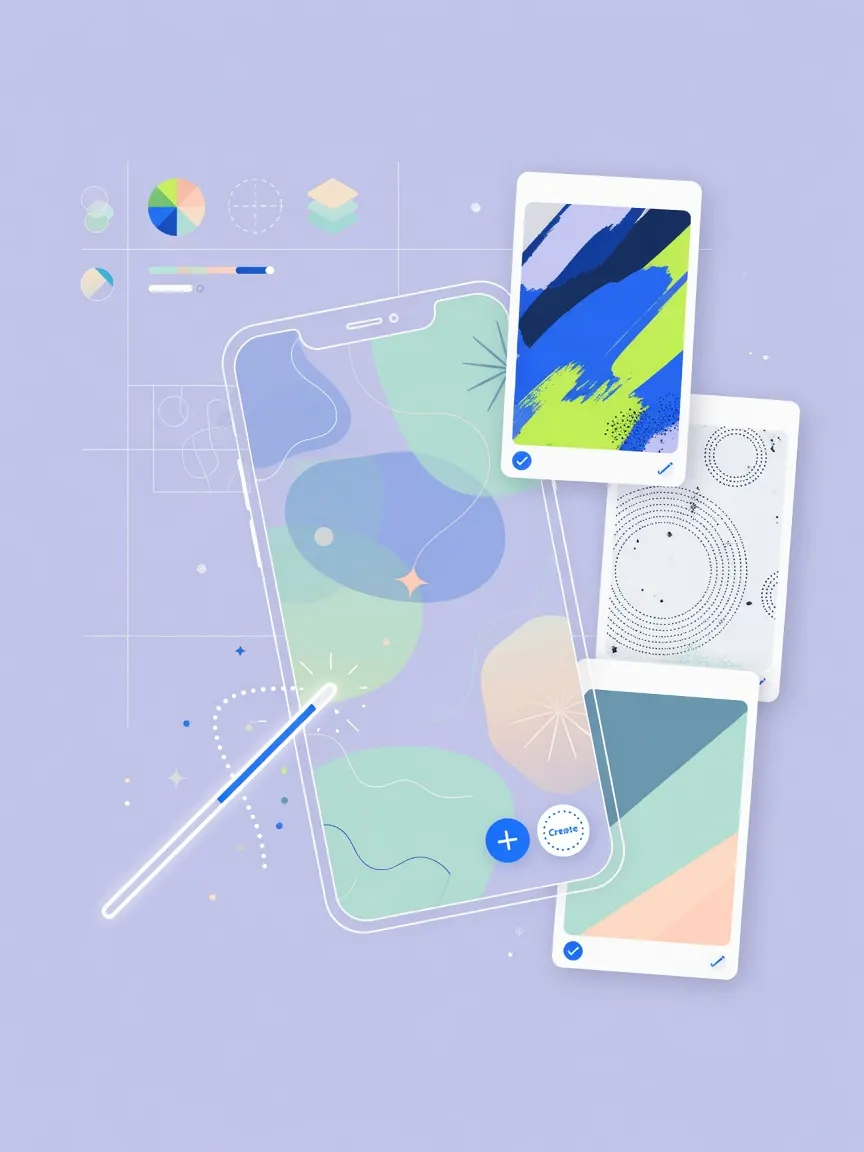
iOS 27 ships with a wallpaper builder, Apple's first real move toward user-generated home screen art.
Every iOS release drops a fresh set of Apple-designed wallpapers, and iOS 27 is no different in that respect. What is different is a new tool that lets users create their own. The feature sits alongside the existing curated library rather than replacing it, so the annual Apple pack is still there if you want it.
Apple has long kept iPhone personalization tightly managed: you pick from what Apple provides. Wallpaper creation narrows the gap with Android, where custom backgrounds have never required a workaround. It also fits a broader pattern: iOS 16 opened up the lock screen, iOS 18 added home screen tinting, and now iOS 27 hands over the wallpaper canvas itself.
How far the builder actually goes will determine whether this is a genuine personalization tool or just a repackaged photo picker with a blur filter on top.